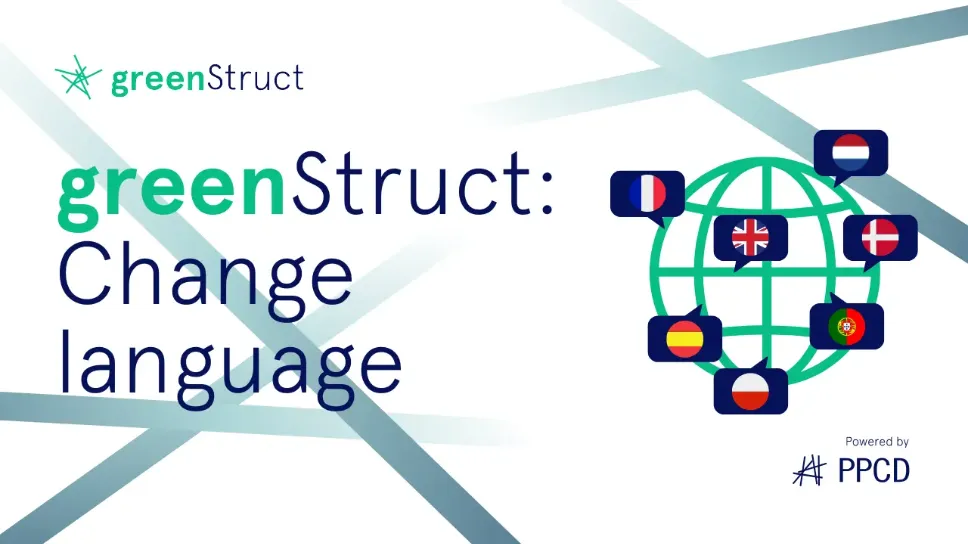
Change language
Change the language of the entire software and the documentation.
- To change language, press the profile icon in the bottom left corner.
- Then press the "Language" section in the pop-up window and choose your desired language from the menu.
- To confirm your selection, lastly press "Save".